Building a startup website, in detail
A startup website serves early customers, investors and future hires at once, and its messaging changes every few weeks. This is how I plan and build startup websites on WordPress, what to launch with and what can wait. The startup website checklist is the short version.
A startup website project, step by step
- Free review and a fixed quote. Send your pitch deck or a one-page summary, two or three sites you like, and the one action you want visitors to take.
- Messaging and page plan. We agree a one-sentence positioning line, the primary call to action, and which pages launch now and which come later.
- Design. The homepage first, from your Figma file or brand guidelines, shared for feedback before the rest is built.
- Build on staging. Reusable templates for feature, use-case and landing pages, with forms connected to your CRM or email tool.
- Tracking and testing. GA4 and Search Console set up, every form tested end to end, and each page checked on real phones.
- Launch and handover. A video call shows your team how to edit pages, publish posts and duplicate a landing page.
An MVP marketing site or a full build?
Most startups should launch small and grow the site as they learn. An MVP marketing site is home, product or features, pricing if you sell self-serve, about, contact and the legal pages, with one primary call to action and only the proof you genuinely have, such as pilots, partners or press. A full build adds use-case pages, integrations, customer stories, security, careers and a blog.
The full build makes sense once your positioning holds steady and you know which audiences convert; persona pages written before anyone has used the product usually get rewritten. At the MVP stage, what matters is templates built to grow, so a new page means duplicating a template, not starting again.
Product and features pages
- Group features by the problem they solve, not internal module names, each with a screenshot.
- One use-case page per audience once you sell to more than one, each written in that buyer's words.
- Integrations and security pages, which B2B buyers check before a call.
- Pricing with an FAQ on billing, trials and cancellation, or a clear "talk to us" route if pricing is custom.
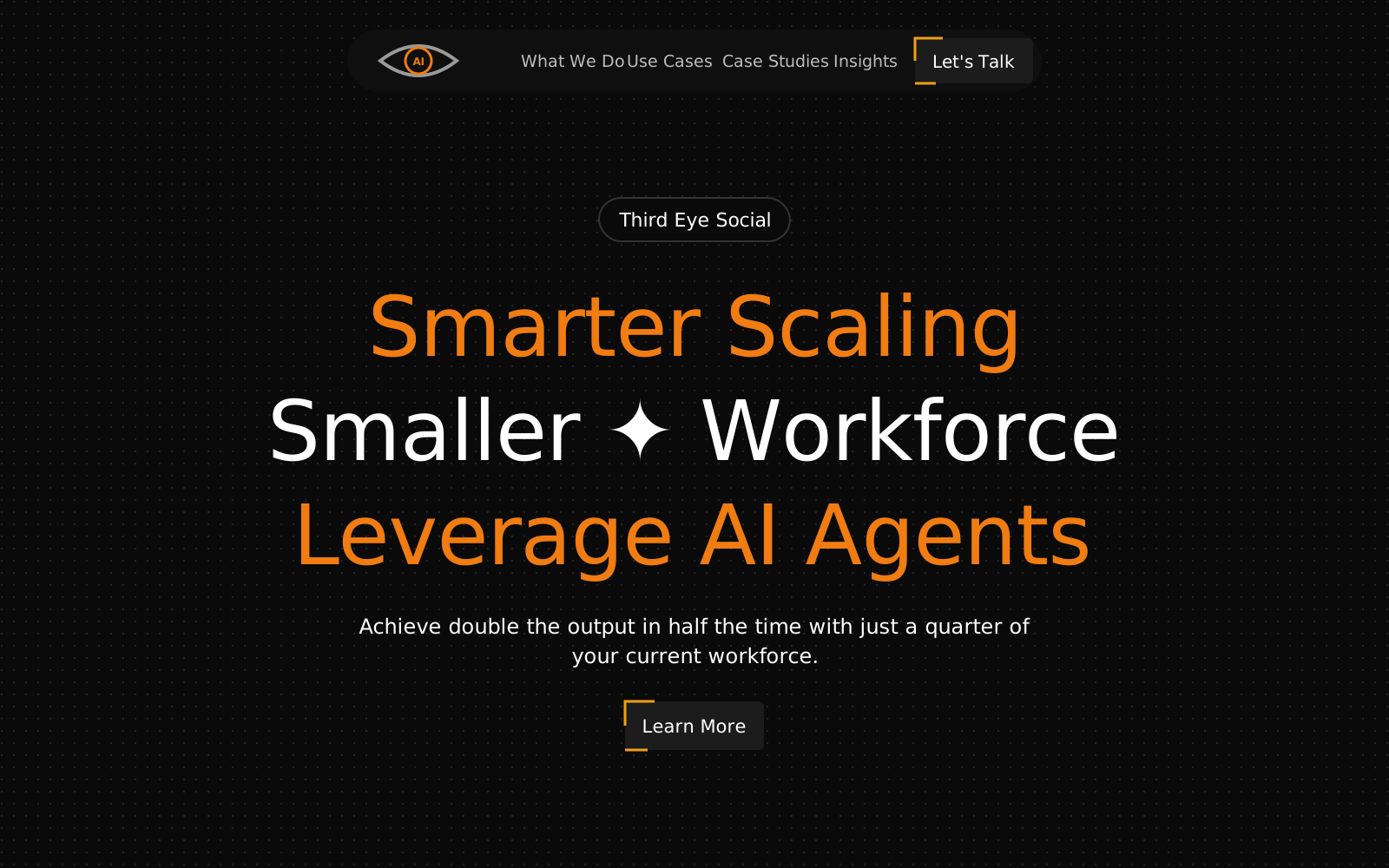
Keep the marketing site separate from the app, for example at app.yourdomain.com, so a website change never breaks a login. Websites for SaaS startups covers each page. On Third Eye Social, an AI automation agency, each agent type has a card naming the software it works with, such as HubSpot or Zendesk, so buyers see at a glance whether it fits their tools.
Waitlist and demo-booking flows
Before launch the main action is usually a waitlist; after launch, a sign-up or demo request. Both should take seconds on a phone.
- Waitlist: an email field and perhaps one question, sent to your email tool, with a thank-you page saying what happens next.
- Demo booking: a short form followed by a calendar booking step, with the lead created in your CRM so nobody copies details by hand. Connecting forms to a CRM covers the common setups.
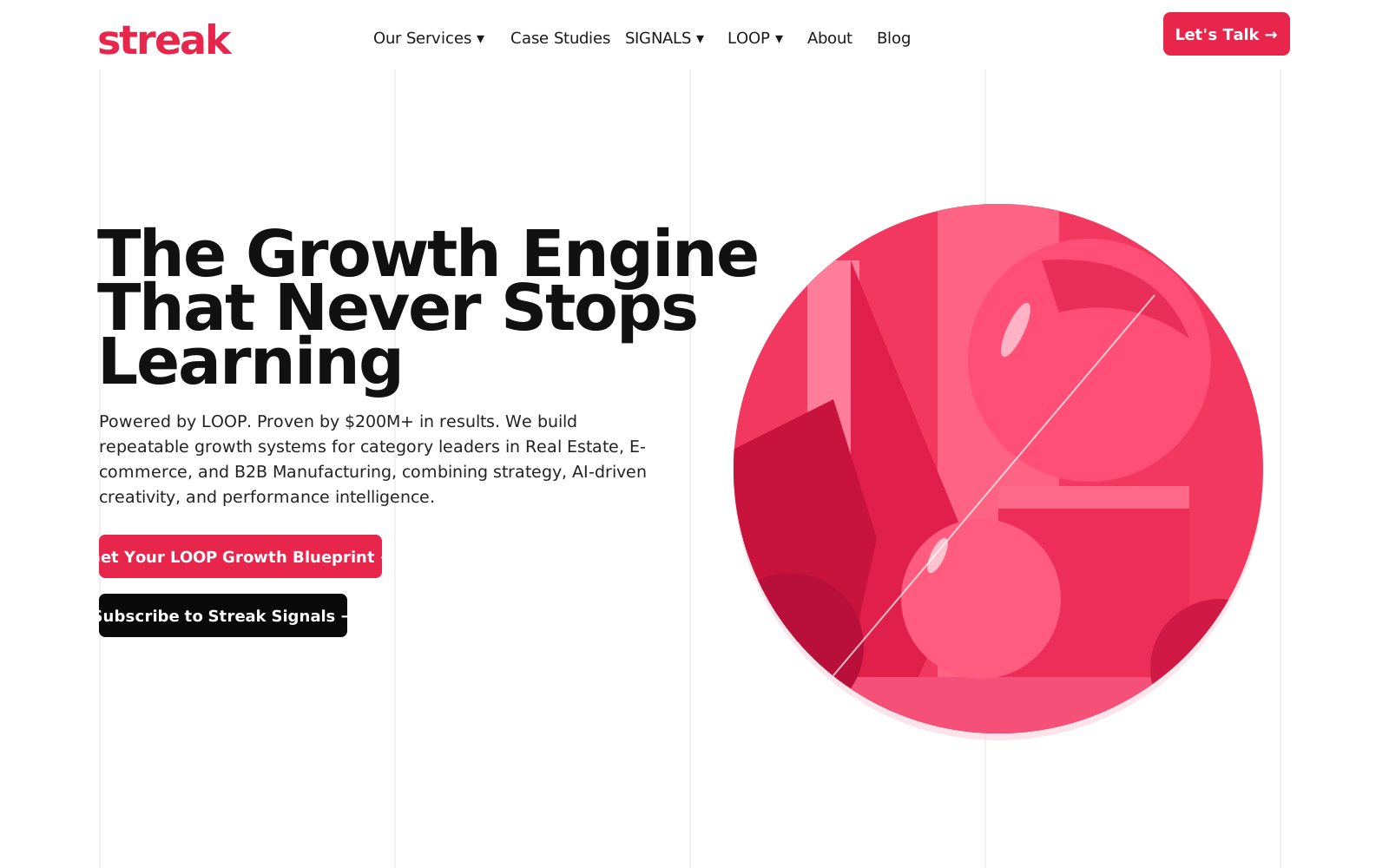
- Something for visitors not ready to talk: Streak Creative offers a growth blueprint request form and a monthly newsletter beside its "Let's Talk" buttons. Lead magnets and newsletters explains the approach.
If your buyers prefer to chat, a booking button can open WhatsApp instead, as the "Book a Call" buttons on Third Eye Social do.
Pitch and investor pages
Investors and early hires read the homepage and About page closely: what you do, who the founders are, and whether the company is real. A short investor or press page helps, with a company summary, founder bios, logos and screenshots to download, and a contact address. Share the full pitch deck privately rather than publishing it, and only show traction figures you would defend in a meeting.
Analytics from day one
Tracking added months later misses the early data that shows which channels work. At launch I set up GA4 and Search Console in your accounts and track sign-ups, waitlist joins and demo requests as key events, counted on successful submissions rather than button clicks, with UTM tags on campaign links. GA4 events explained shows how events work. If you collect personal data, the privacy policy and any cookie consent belong in place from the start.
WordPress, Webflow or custom code?
| WordPress | Webflow | Custom-coded | |
|---|---|---|---|
| Time to launch | Fast | Fast | Slower; every feature is built |
| Editing by marketing | Easy with a visual builder or blocks | Easy for content in its Editor | Usually needs a developer or a separate CMS |
| Hosting and ownership | Any host; move whenever you like | Hosted by Webflow on a subscription | Wherever your team deploys it |
| Integrations | Tens of thousands of plugins | Smaller app ecosystem | Whatever you build |
| Best for | Content-led growth, campaigns, multilingual sites, Indian payment gateways | Design-led sites with a Webflow-savvy team | When the website is the product, such as a web app |
For most startup marketing sites I recommend WordPress: your team can run it without engineering time. WordPress vs Webflow and WordPress vs a custom-coded website compare them in depth. If your designer already works in Figma, see Figma to WordPress.
Scaling later: content, blog and languages
Later, the site grows three ways. A blog about the problems your product solves, organised into topic clusters, brings search visitors over time. Campaign landing pages test offers without touching the main site; see landing page design. Extra languages come when you actually serve those markets, each on its own URL with hreflang tags. All three are easier when the first build used consistent templates and global styles.
What is included, and what is not
The list near the top of this page covers what a startup site includes. These are separate or come from you:
- Your app or product. Screens and dashboards inside the product stay with your engineering team.
- Positioning and facts. I structure pages and sharpen copy; claims, metrics and customer names come from you.
- Legal wording. I add the privacy and terms pages; the text should come from you or your lawyer.
- Paid tools and ads, such as CRM or email subscriptions, and running campaigns.
How long it takes
A waitlist or launch page usually takes 3 to 5 working days, an MVP site of five to eight pages 1 to 2 weeks, and a fuller site with use-case pages, integrations and a blog 2 to 4 weeks, counted from when content is ready. Extra languages, custom features, changing messaging and slow feedback stretch it. If you have a launch date, tell me at the start; the essential pages can go live first.
Who it is for
Founders preparing to launch, raise or hire; SaaS and product startups that need sign-ups or demo requests; and startups whose first site was rushed and no longer matches what they sell. If you only need one campaign page, a landing page is the faster start.
How to prepare
- Your pitch deck or a one-page summary of the problem, customer and difference.
- Brand assets or a Figma file, and two or three sites you like.
- Product screenshots, and any proof you can share publicly.
- The CRM, email and calendar tools you use, with user access rather than shared passwords.
What you get at the end
- A fast WordPress site on hosting and a domain in your company's name.
- Waitlist, sign-up or demo forms tested end to end and connected to your tools.
- GA4 and Search Console tracking key events, and templates your team can reuse for new pages.
- A walkthrough on editing and adding pages, and a full backup.
Send me your pitch deck or product summary for a free review and a fixed quote.